Document Scanner for iPhone and Android
Scan Paper Documents
into Clear, Sharp PDFs
Point your phone at a page and RonoxScanner finds the edges, straightens it and keeps it with the rest of the document — ready to share as a PDF. No account. No cloud.


Scan in Seconds
The phone's own document scanner finds the page, corrects the perspective and captures it automatically.
Edit Without Losing Anything
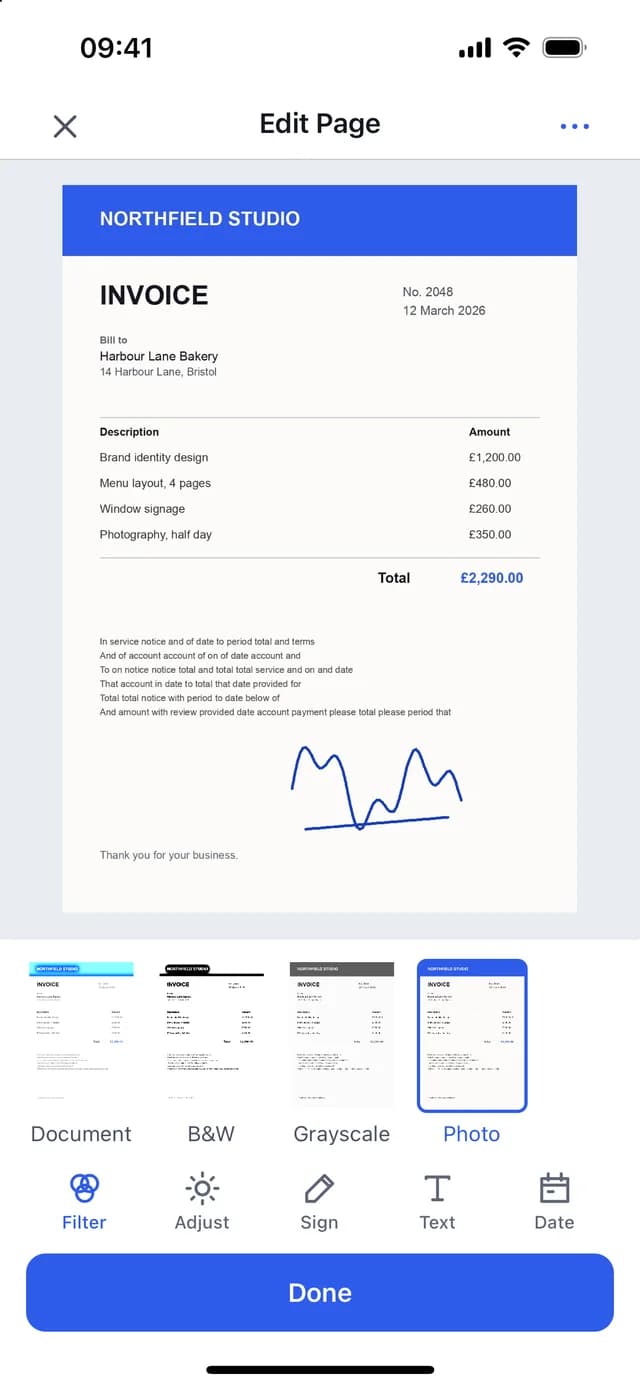
Change the look, sign or add a date — the original page is always kept, so you can undo any edit later.
Private by Design
There is no account and no cloud. Your documents never leave your phone unless you share them.
How It Works
Three Steps from Paper to PDF
No set-up, no sign-in. Open the app and tap Scan.
Scan
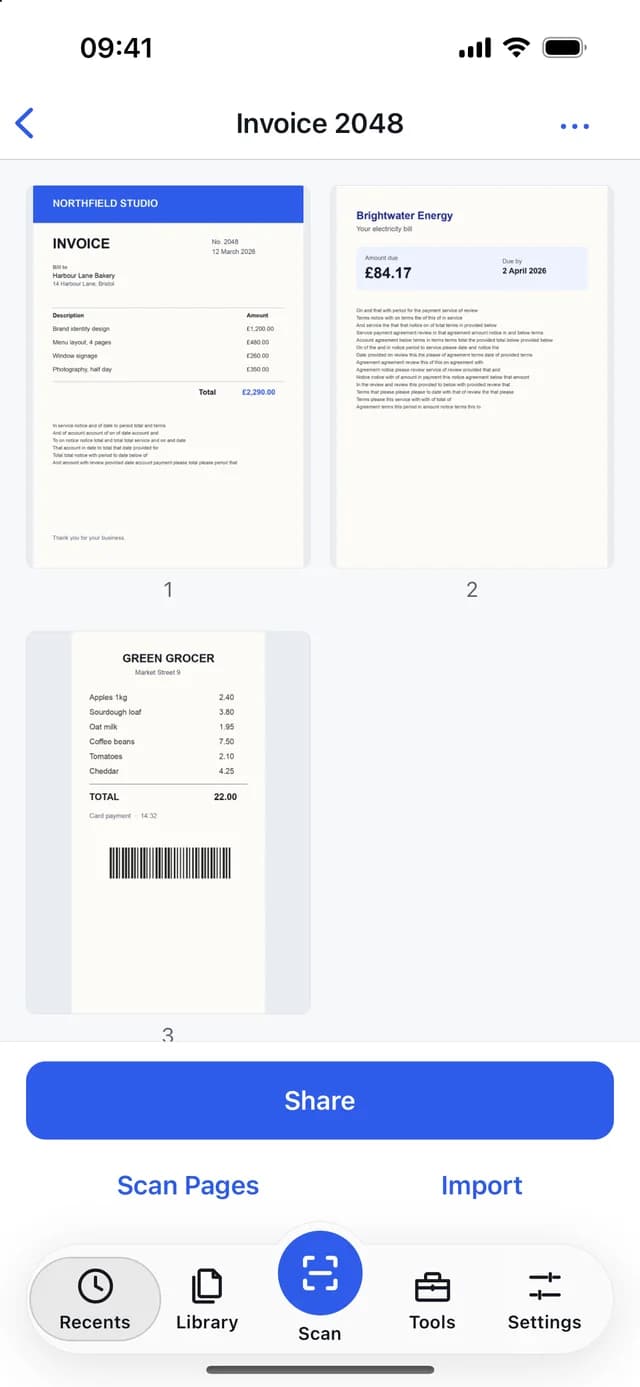
Tap the Scan button on any tab. Capture one page or a whole stack — edges are found and straightened for you.
Review
Pick a look — Document, Black & White, Grayscale or Photo — and fine-tune brightness and contrast.
Share
Send the document as one PDF through the share sheet: mail, messages, cloud drives, anywhere.
Features
Everything a Pocket Scanner Should Do
Built around the paperwork people actually carry: forms, receipts, letters, contracts and ID cards.
Automatic Edge Detection
Apple VisionKit and Google's document scanner find the page and fix the perspective.
ID Cards, Front and Back
Scan both sides and RonoxScanner puts them together on one page.
Import Photos and Files
Turn pictures you already have into document pages.
Recents and Library
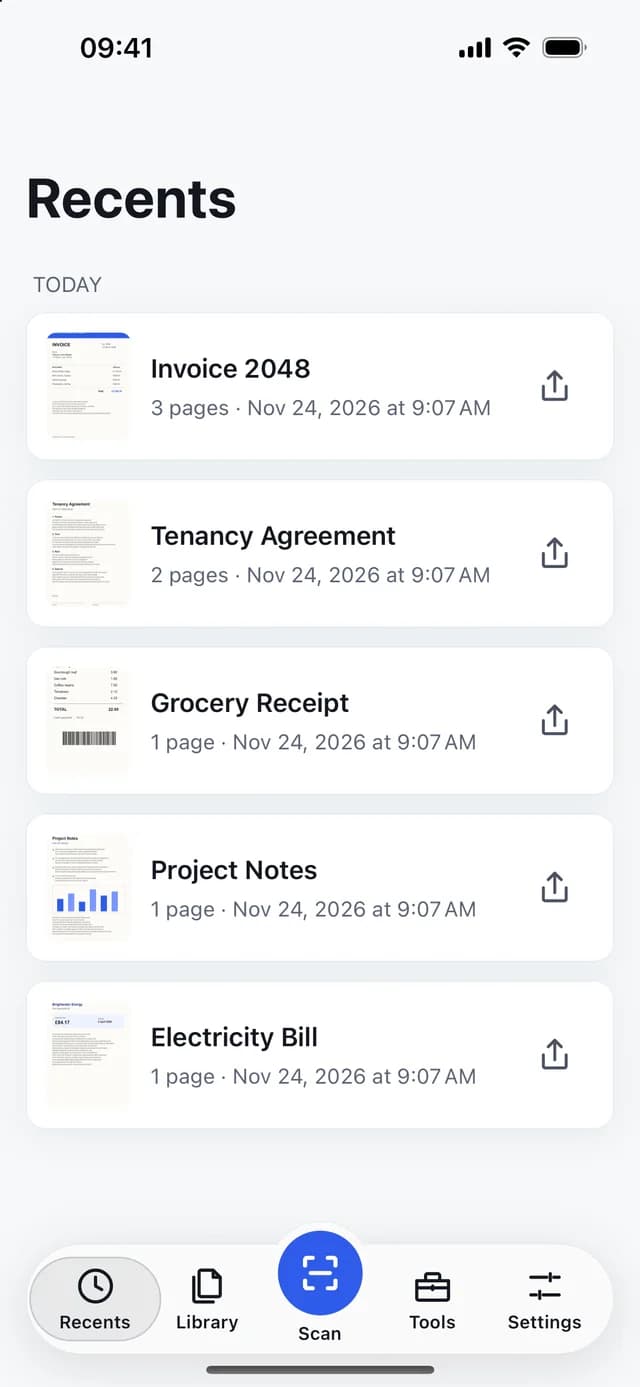
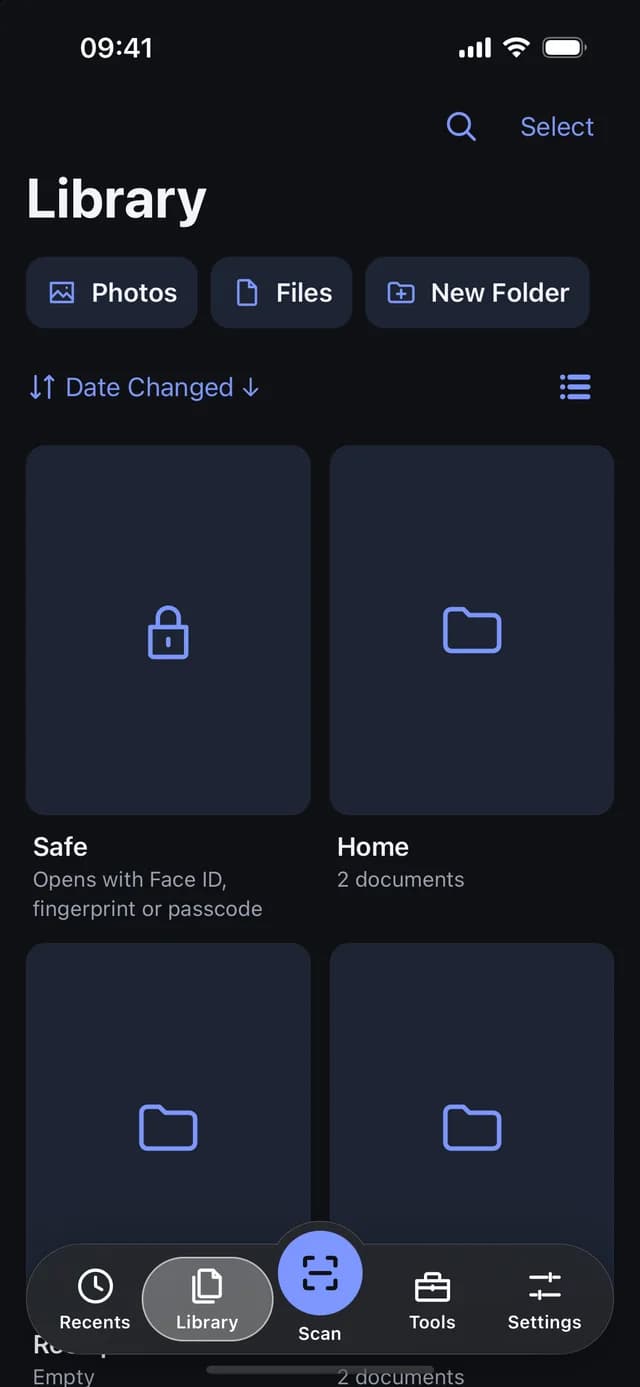
Find yesterday's scan at once, or keep documents in folders with sorting and search.
A Safe for Private Papers
Documents in the Safe open only with Face ID, a fingerprint or your passcode.
App Lock
Lock the whole app behind Face ID, a fingerprint or your passcode.
Sign, Add Text and Dates
Draw your signature once and place it on any page, then fill in text and dates.
Looks and Adjustments
Document, Black & White, Grayscale or Photo, with brightness and contrast.
Share as a PDF
All pages in one PDF, ready for email, messages or the cloud.
30-Day Trash
Deleted something by mistake? Restore it from the Trash for 30 days.
Light and Dark
Follows your phone's appearance, or pick one yourself.
Works Offline
Scanning, editing and organising all happen on the phone, even in airplane mode.
Screenshots
Simple on Every Screen
One tap to scan, and your documents always in reach.
Recents
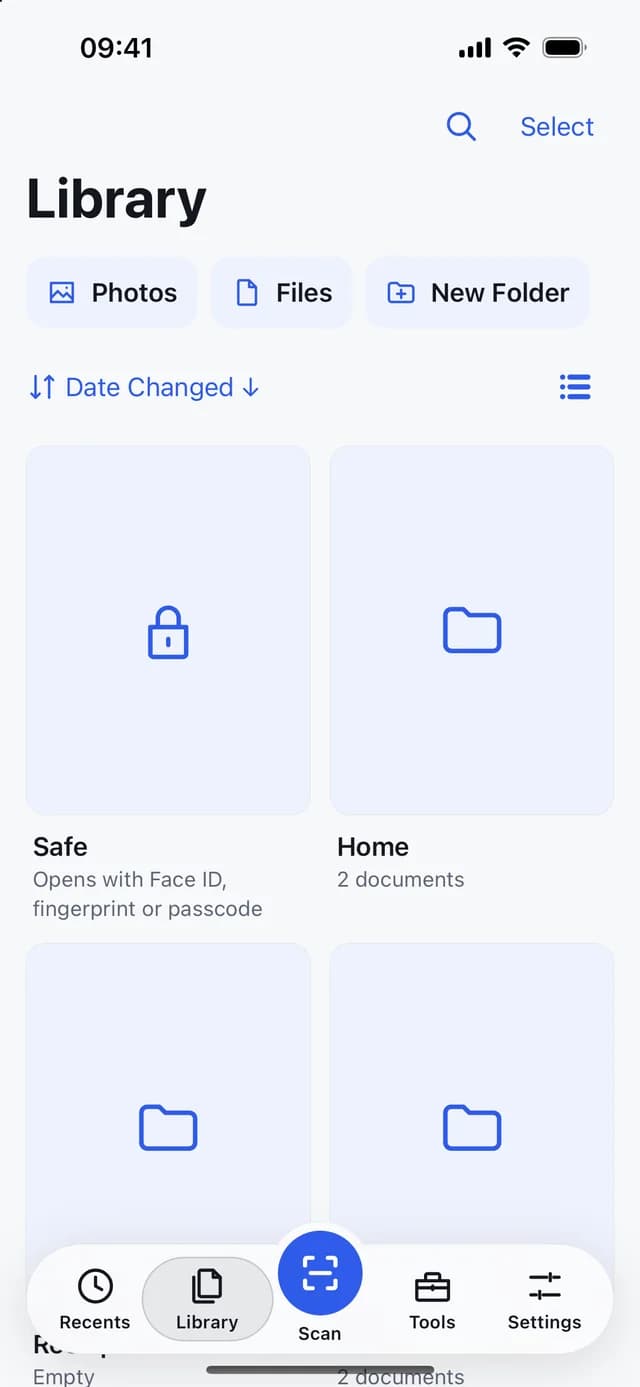
Library
Document
Review
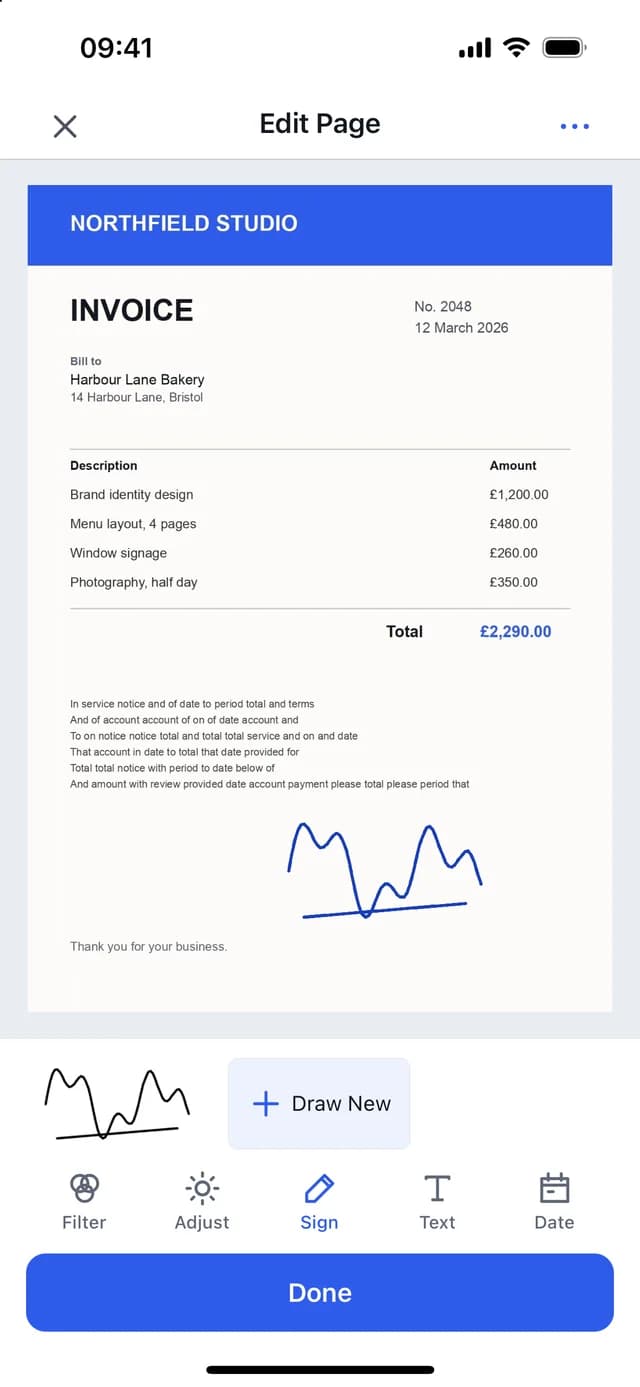
Edit
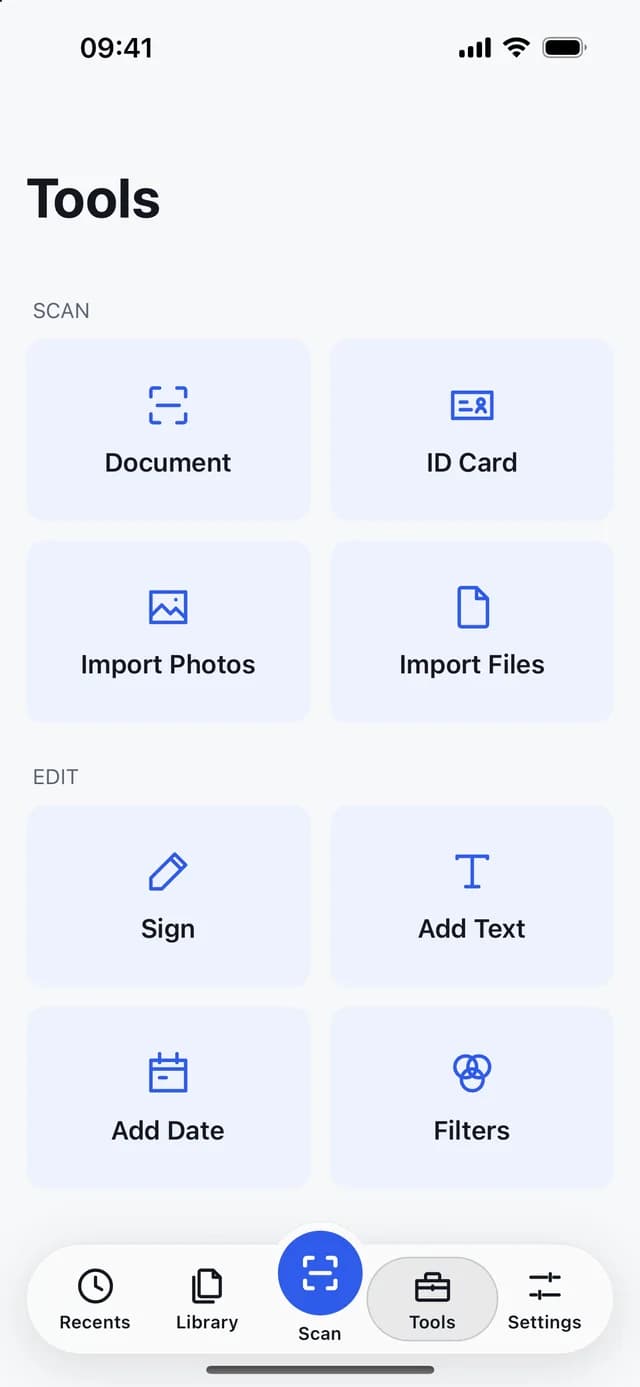
Tools
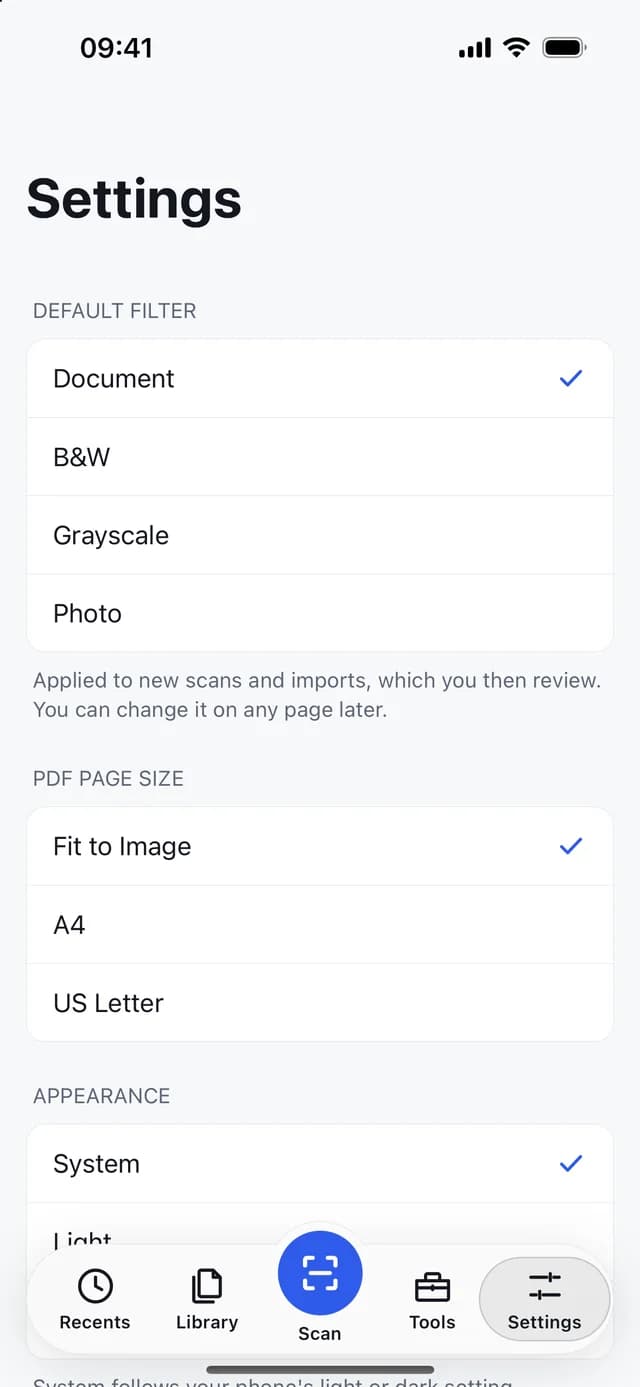
Settings
Dark Mode
Privacy
Your Paperwork Stays on Your Phone
Scanned documents are often personal: bank letters, IDs, medical forms. RonoxScanner keeps them on the device and nowhere else.
- No Account and No Sign-In
- No Cloud Upload, No Backup to Our Servers
- No Analytics or Advertising Inside the App
- Documents Leave the Phone Only When You Share Them
To check your subscription, the app sends your Google Play or App Store purchase to our server. Nothing else is sent.
Read the Privacy Policy →Pricing
One plan. Everything included.
Try every feature free for 7 days. Cancel any time in your store account.
RonoxScanner Pro
£3.99/ month
7-Day Free Trial for New Subscribers
- Unlimited Scans and ID Cards
- Import Photos and Files
- Sign, Add Text and Dates
- Looks, Brightness and Contrast
- Safe, App Lock and 30-Day Trash
Without Pro you can still open, organise and share every document you already have — your paperwork is never locked away.
Start Free TrialUK price shown. Your store shows the price for your country. Bought and managed through Google Play or the App Store.
FAQ
Questions, Answered
Something else? Get in touch with us at Appronox.
Do I need an account?
No. RonoxScanner has no account and no sign-in. Open the app and start scanning.
Where are my documents stored?
Only on your phone. RonoxScanner has no cloud and does not upload your documents. They leave the device only when you share them.
Does it work offline?
Yes. Scanning, editing, organising and sharing to apps on the phone all work without a connection. The subscription is checked again when you are back online.
What does RonoxScanner Pro include?
Scanning documents and ID cards, importing photos and files, adding pages and editing them: looks, brightness and contrast, signatures, text and dates. It costs £3.99 a month in the UK after a 7-day free trial.
What can I do without Pro?
You can still open, organise, move and share every document you already have. Only creating and editing pages needs Pro.
How do I cancel?
In your Google Play or App Store subscriptions, the same place you subscribed. You won't be charged if you cancel before the free trial ends.
Is the Safe encrypted?
The Safe hides documents behind Face ID, a fingerprint or your passcode, so someone holding your unlocked phone cannot open them. It does not encrypt the files.
Which phones does it run on?
iPhone and iPad, and Android phones and tablets with Google Play services. It also runs in landscape and in resizable windows.
Can it make searchable PDFs (OCR)?
Not yet. Today RonoxScanner creates image-based PDFs; text recognition is not part of the app.
Scan Your First Document Today
Free to download, with 7 days of Pro on us.